
Bring your photo
Click the preview, drop a JPG, PNG or WebP, or paste an image.
Make your photo look like it was shot on an old camera. Pick a feeling, preview your picture, and save it.
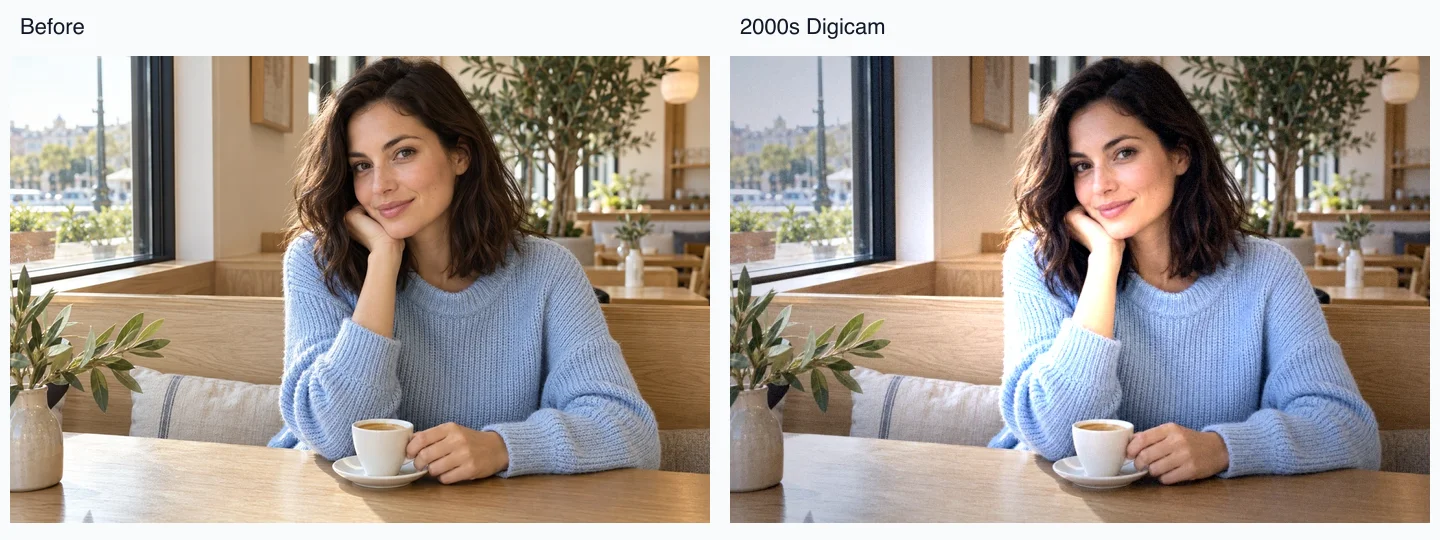
Illustrative sample · Choose a look to preview the live effect.
Processed in your browser · Free, no watermark
Edits use up to 1600 px / 2 MP. Resolution sets a simulated sensor cap, limited by the source. Frames add space around the complete photo. Restore original restores your original file. Date, dust and light leaks are optional overlays.
Editing uses up to 1600 px / 2 MP. Your download dimensions appear below.
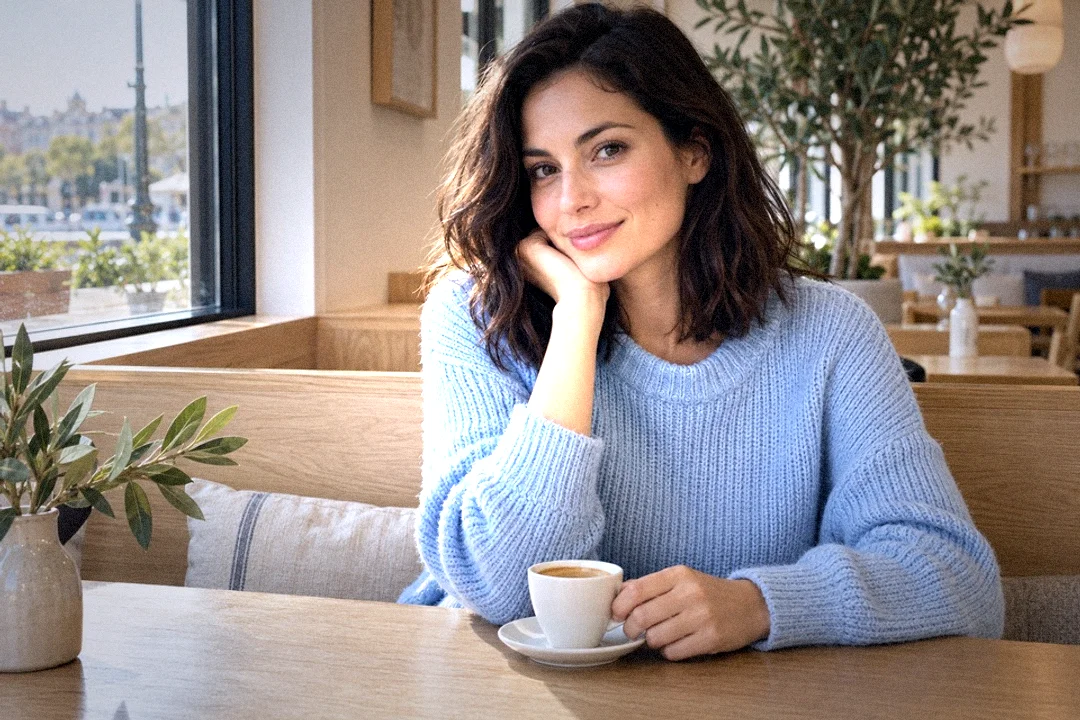
Move the slider to compare the sample’s color and grain. This illustration shows the style; use the editor above for your own photo.
 BeforeAfter
Drag across the image, or focus it and use the arrow keys.
Click the preview, drop a JPG, PNG or WebP, or paste an image.
Start with 2000s Digicam, Disposable Flash, or Early Phone Camera. Open Fine-tune only if you want to adjust it.
Download as JPG, PNG, or WebP. Everything happens on this page.
Style illustrations, not exact tool output. Decorative worn edges are not included in the presets.

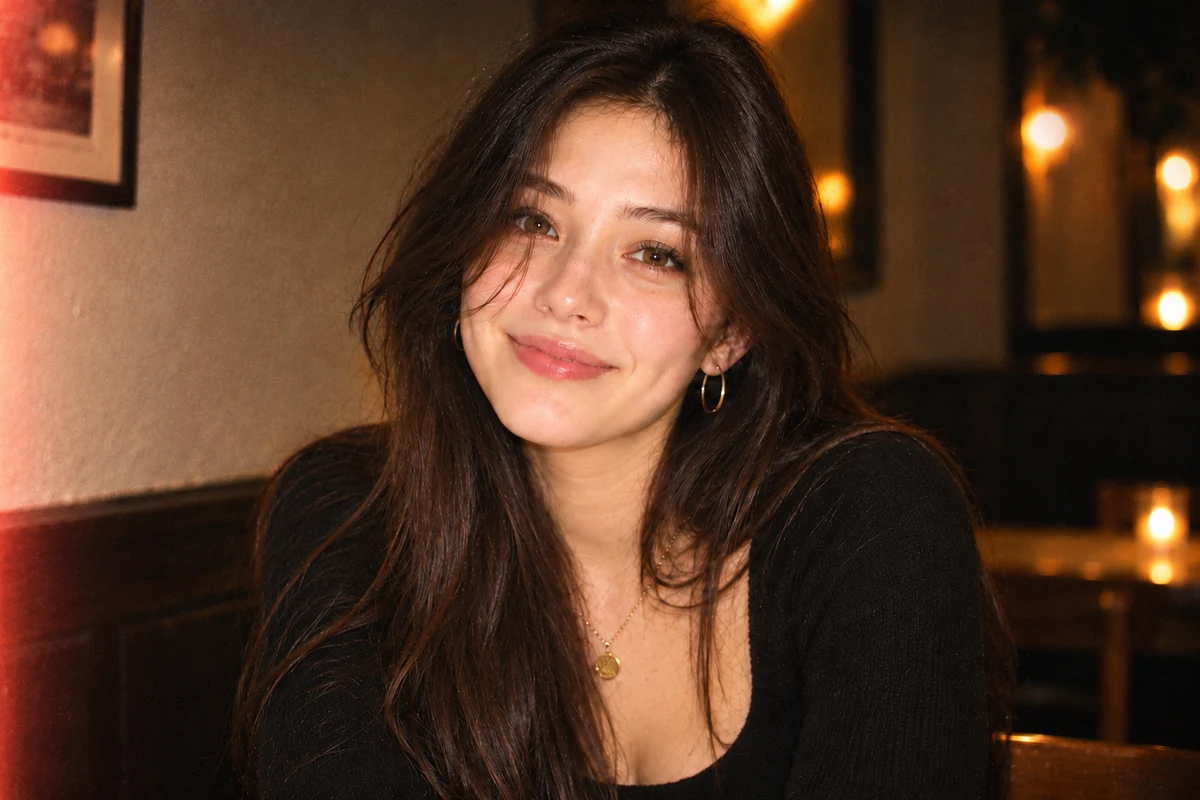
A bright foreground, darker corners, and warm party-photo texture.
Try this camera look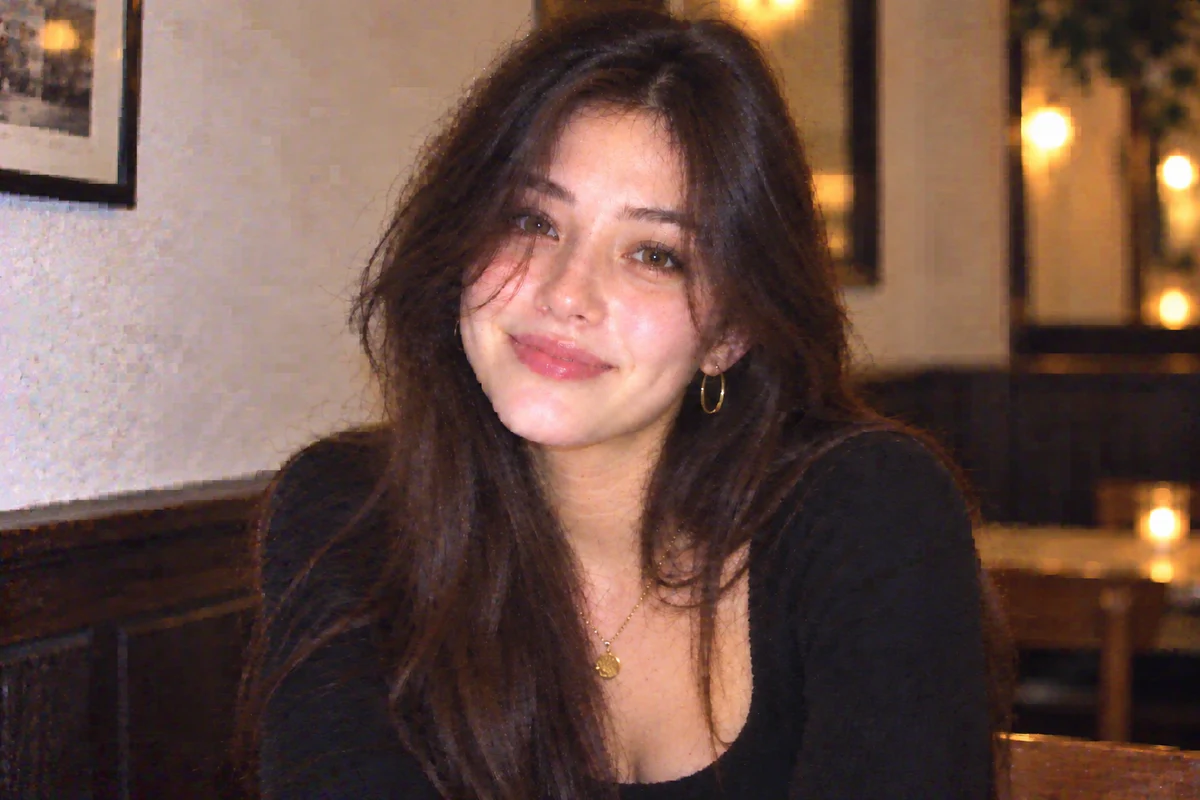
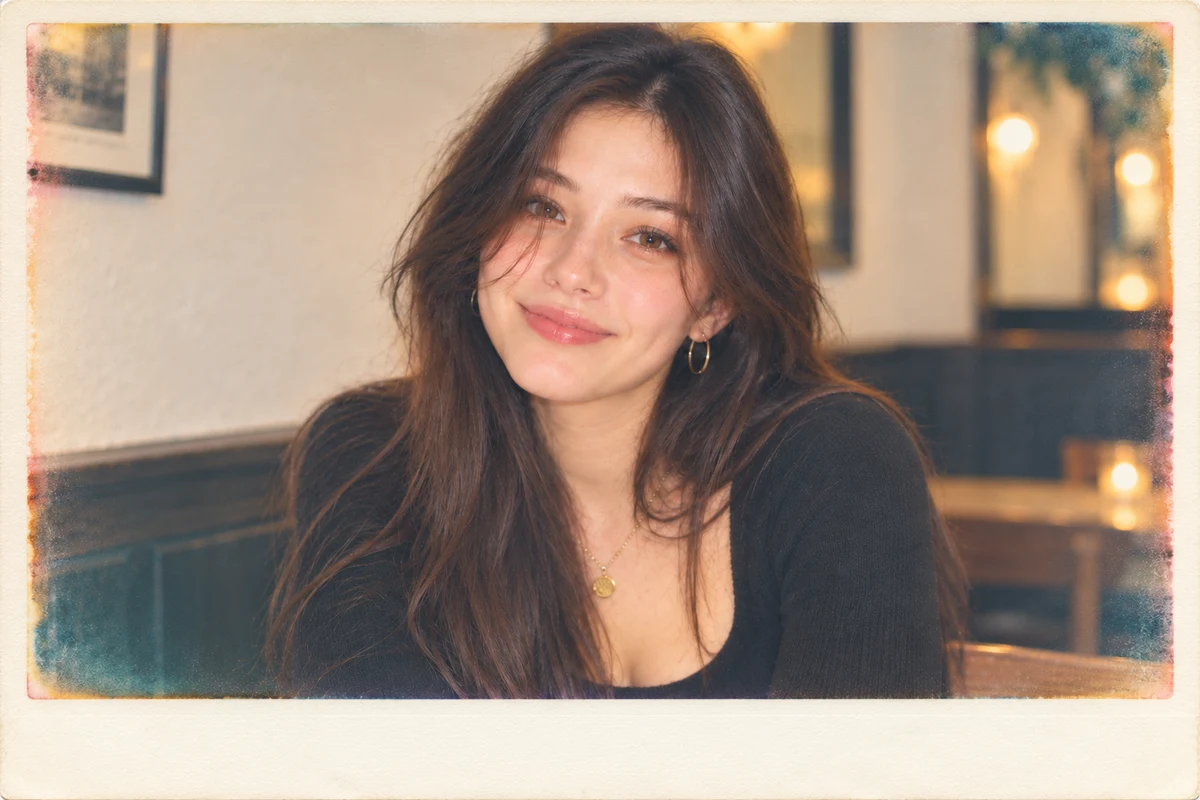
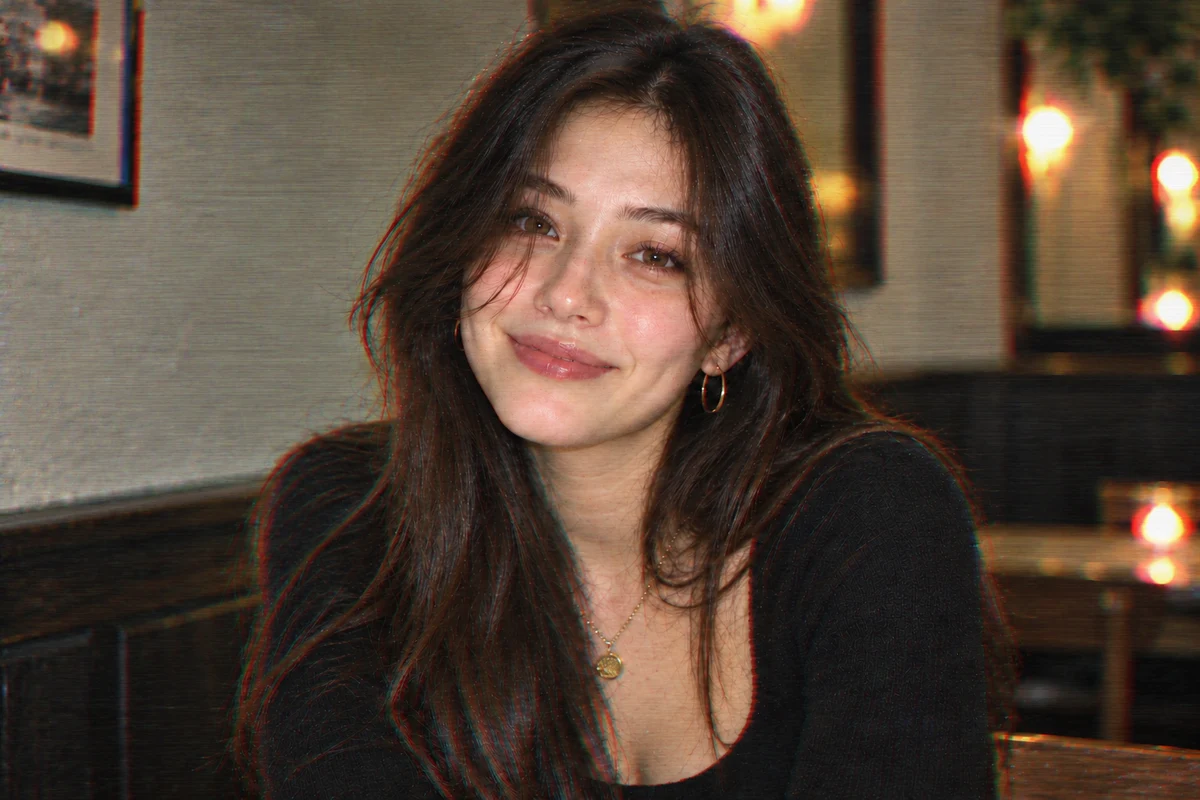
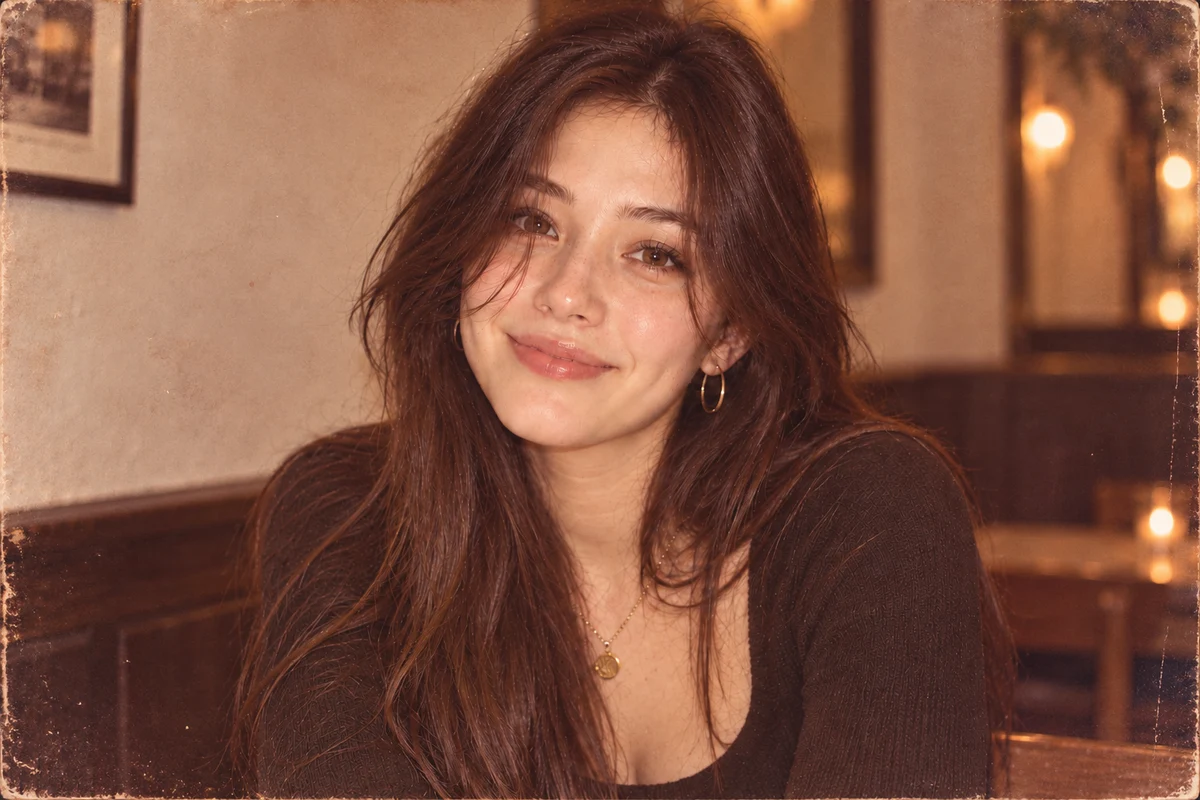
Warm, faded colors and soft grain inspired by a scanned print.
Try this camera lookA small sensor captures fewer details. Enlarging those pixels introduces softness and coarse edges; use Resolution in Fine-tune for this part of the look.
Heavy JPEG compression can leave 8×8 blocks and visible color bands. For deliberate repeated-save damage after choosing your camera look, use jpeg artifacts.
Cool blue highlights or warm, uneven color can make a modern photo feel like an early digital snapshot. Each camera preset changes the color response; it does not recreate a specific camera model.
A bright foreground and darker edges suggest an on-camera flash. Raise Flash gradually so you can choose how much highlight detail to keep.
For texture alone, add noise to image. For directional softness, make image blurry.
Cool color, direct flash and modest detail suggest a memory-card snapshot. Start with 2000s Digicam, or Early Phone Camera for a softer selfie.
Warm grain and bright indoor flash suit an album of friends and nights out. Try Disposable Flash or Instant Film.
Soft detail, scanlines and color smear evoke a paused home recording. Choose Camcorder Still; this is a still-photo simulation, not a video filter.
Choose a scene, then try its suggested camera look on your own picture.
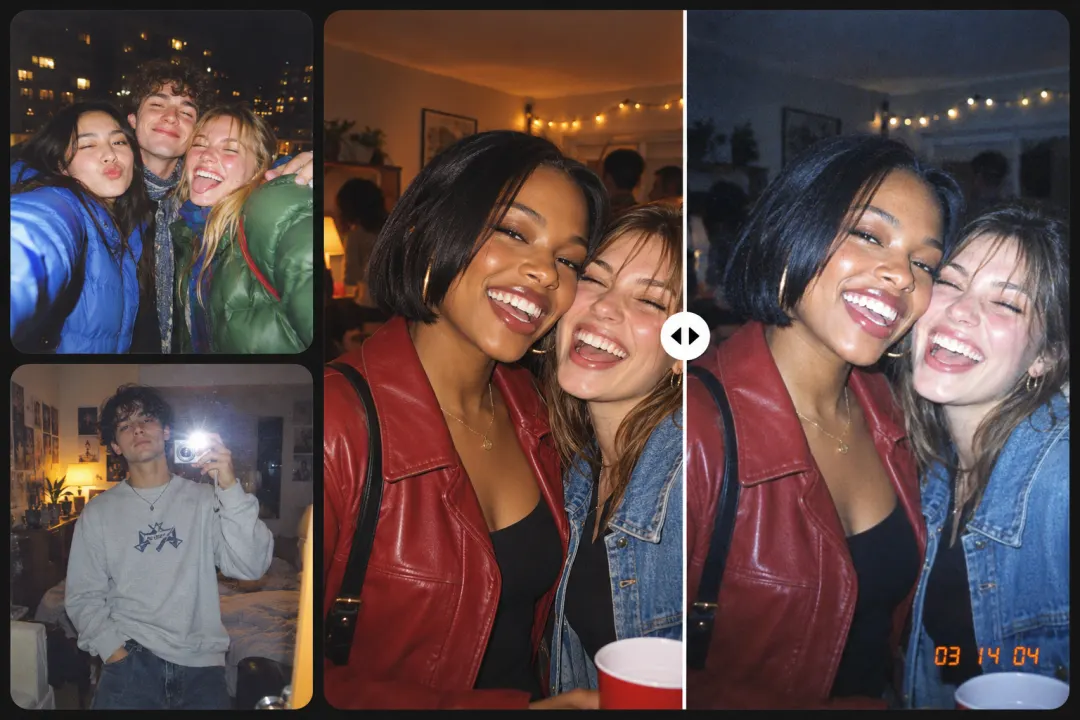
Cool color and bright highlights give a recent selfie the feel of an early digital snapshot.
Try this camera look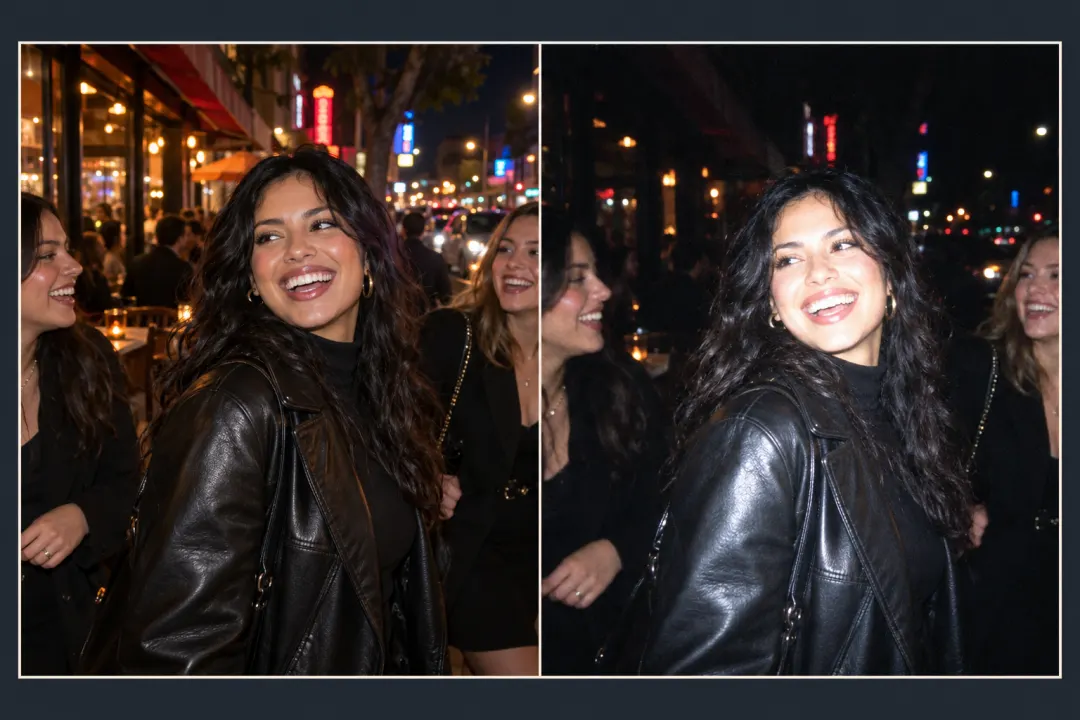
Bring the foreground forward with direct flash and darker corners, like a night out captured on a small camera.
Try this camera look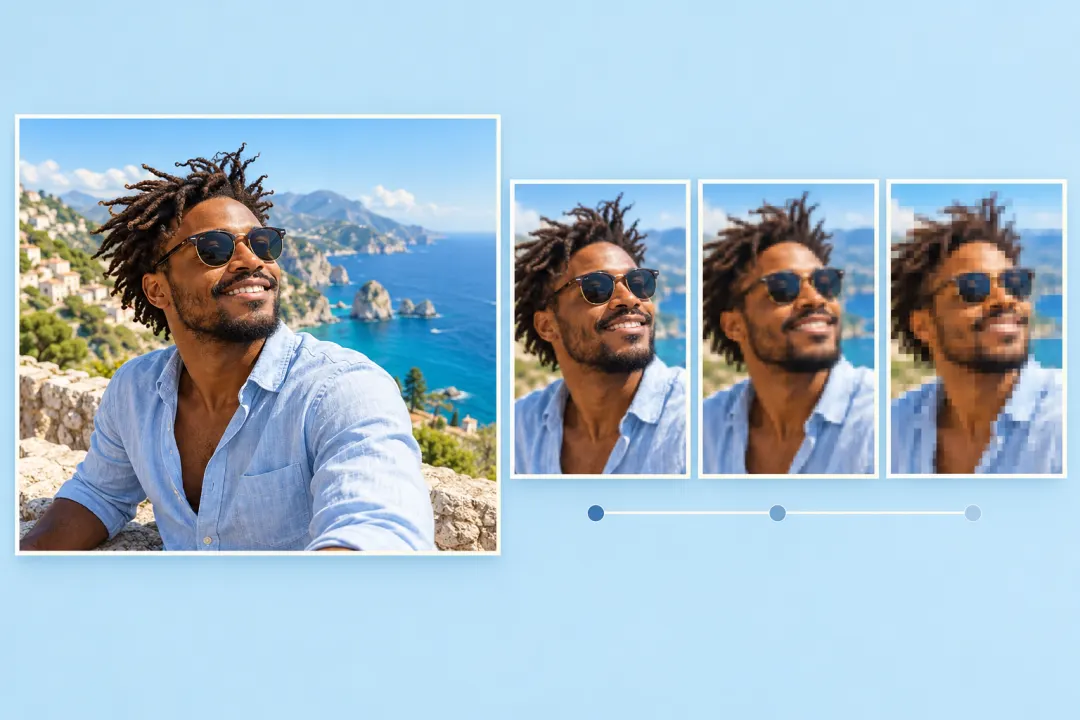
Try soft detail and a small-sensor feel for an avatar with early-internet character.
Try this camera look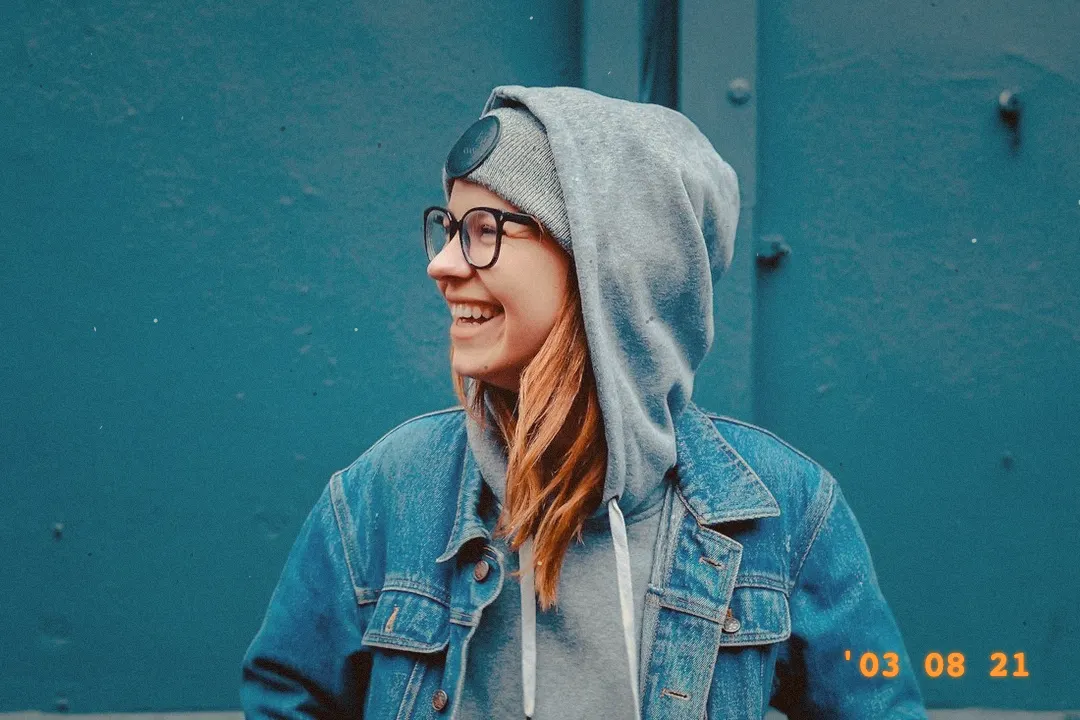
Give a recent picture warm, faded print color, or reinterpret an existing family photo. This effect does not restore damaged photographs.
Try this camera look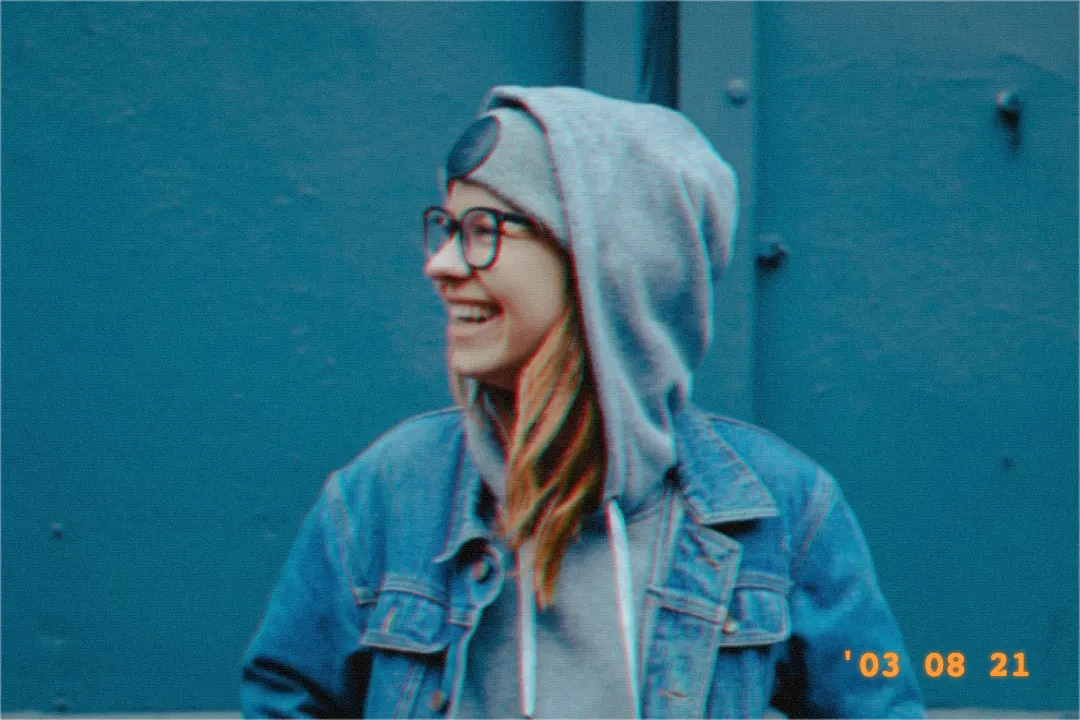
Subtle scanlines and color smear make a photo feel like a frame paused during a home video.
Try this camera lookStart with Scanned Family Photo, then download and use the JPEG artifacts tool described above for a heavily re-saved version. This is a playful two-tool workflow, not restoration.
Try this camera lookUpload your picture and start with 2000s Digicam. Try the other camera thumbnails, then open Adjust effect to adjust Strength, Resolution, Noise or Flash.
Start with Disposable Flash. It brightens the foreground and darkens the corners; lower Flash if you want to preserve more skin and highlight detail.
No. These are descriptive camera-inspired looks, not calibrated reproductions of a camera brand, lens, film stock or scanner.
Yes. Scanned Family Photo applies warm, faded color and grain. It does not remove scratches, recover missing details, or restore the photograph.
Yes. Open Fine-tune and enable Date stamp, then enter your text. It is off by default and is independent of the camera Strength setting.
No. Processing happens in your browser. JPG, PNG and WebP uploads up to 10 MB are accepted; editing uses a working copy up to 1600 px / 2 MP. Restore original restores the untouched original file.
The layout supports touch, with thumbnails above Fine-tune and Download available while editing. Processing speed and clipboard support depend on your browser and device.
Find a camera look you like, make it yours, and save the result.
Choose Your Camera Look
Combine small dimensions, JPEG compression, and noise in one edit.
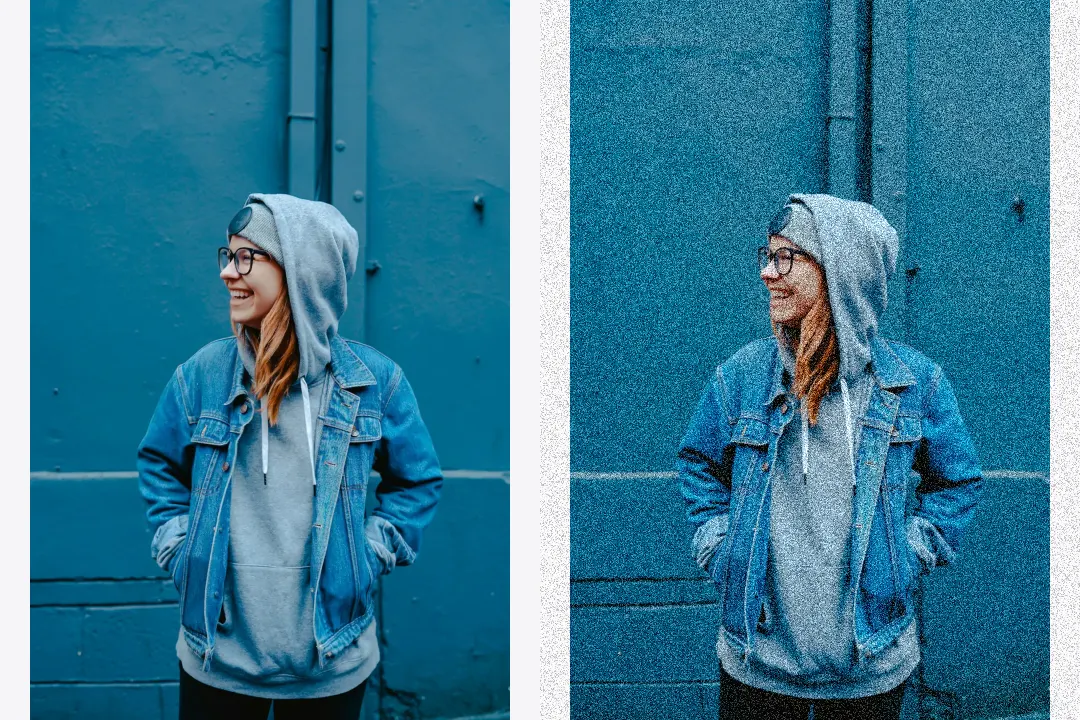
Control noise strength, grain size, and noise type.
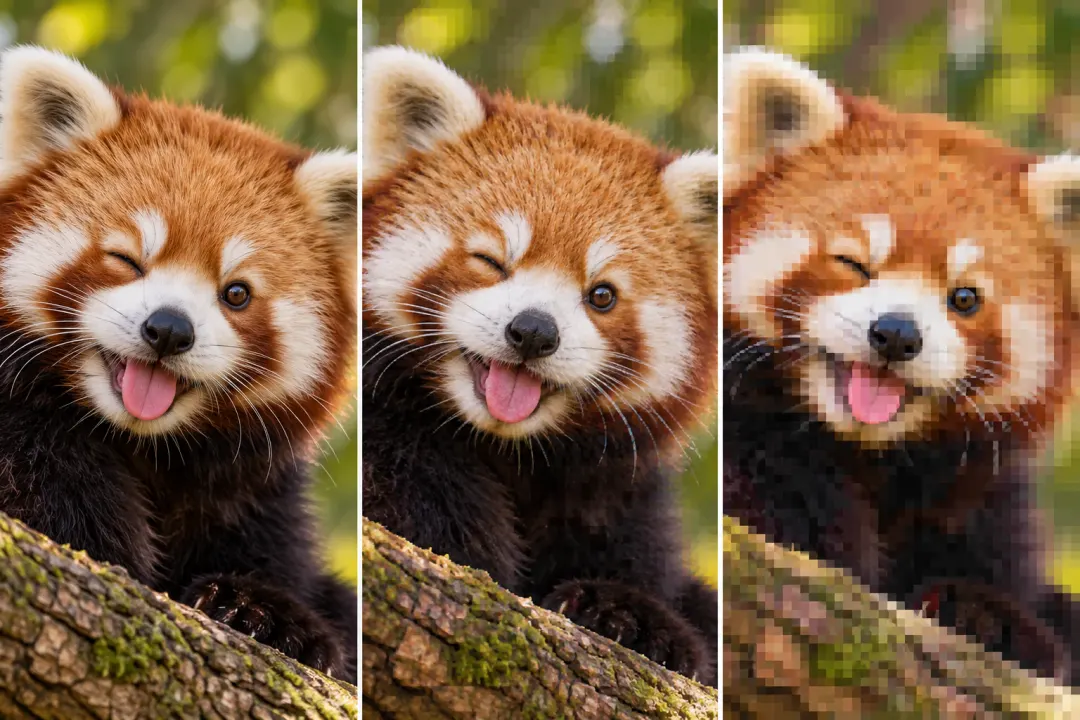
Add compression blocks, repeated saves, and color bleed.