
Upload your image.
Drop in a JPG, PNG, or WebP, or paste it with Ctrl+V / ⌘V.
Black turns white, blue turns orange, and your cat suddenly looks like it came from another planet. Drop in any picture and every color flips to its opposite in one tap. Free, no signup, no watermark, and your image never leaves your browser.
Or click to browse · Ctrl/Cmd + V to paste
JPG, PNG, WEBP · Up to 10 MB · Paste with Ctrl+V / ⌘VYour photos stay on your device. Always.
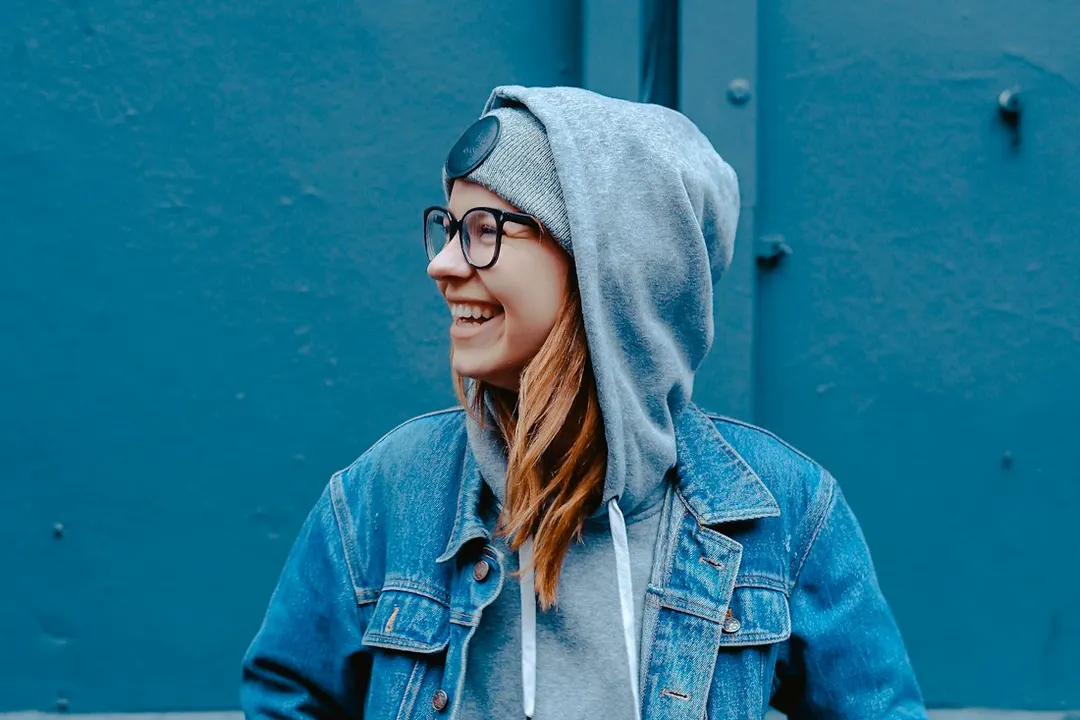 OriginalFull Invert
Every color flips to its opposite.
Drag on the photo to mark an area. Use the comparison slider below the photo to inspect it. Overlapping marks invert only once. Undo removes the last mark.
Pick a clear, unexposed orange border in your negative. The selected RGB base is normalized before inversion. Results vary with film and scan lighting; this is a starting conversion, not calibrated film restoration.
Invert again flips the effect colors once more. Only Full Invert at 100% returns the working source colors exactly. Restore original restores the untouched original file. Large images use a working copy up to 1600 px / 2 MP.
Free · No signup · No watermark · Stays in your browser
Drop in a JPG, PNG, or WebP, or paste it with Ctrl+V / ⌘V.
Full Invert flips everything. Black & White Invert converts to grayscale first.
Drag Invert amount, select an area, or sample the film base for a negative scan.
Save as JPG, PNG, or WebP, or copy it into a chat where supported.
Photos, screenshots, logos, drawings, memes. If it is an image, this color inverter flips it. Each RGB channel is subtracted from 255, so reds become cyan, greens become pink, and a sunny yellow sky turns deep blue. The preview updates the moment you tap, so you see the result before you download anything.
Invert My Image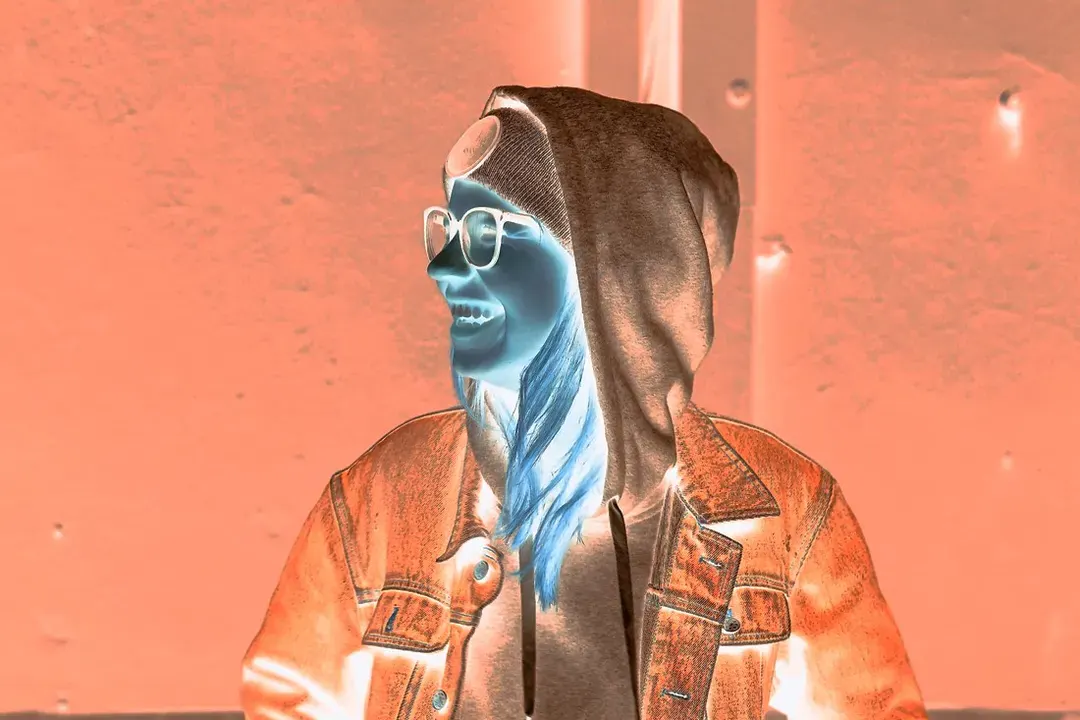
Run a portrait or a landscape through the photo inverter and it comes out looking like an old film negative: glowing skin, dark teeth, and skies the color of a bruise. It is spooky on faces, dreamy on flowers, and very strange on pets. Going the other way? Pick Negative Scan to turn a scanned negative back into a normal photo. Sample the unexposed film base to compensate its orange tint, then tune brightness; results depend on the scan.
Make a Photo Negative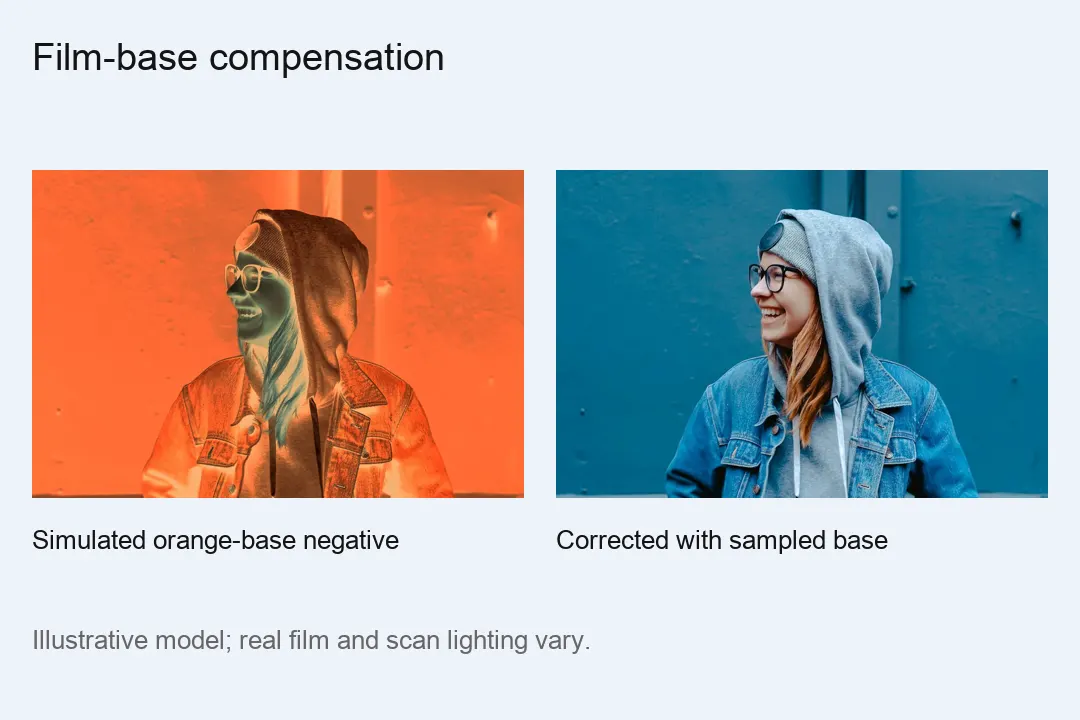
Use the image inverter on a screenshot, a diagram, or a page of notes, and the bright white background turns dark, perfect for dark mode slides and late night reading. It works the other way too: a white logo on black becomes a black logo on white, ready for a light website or a printed page. Choose Black & White Invert for the cleanest result on text and line art.
Invert a Screenshot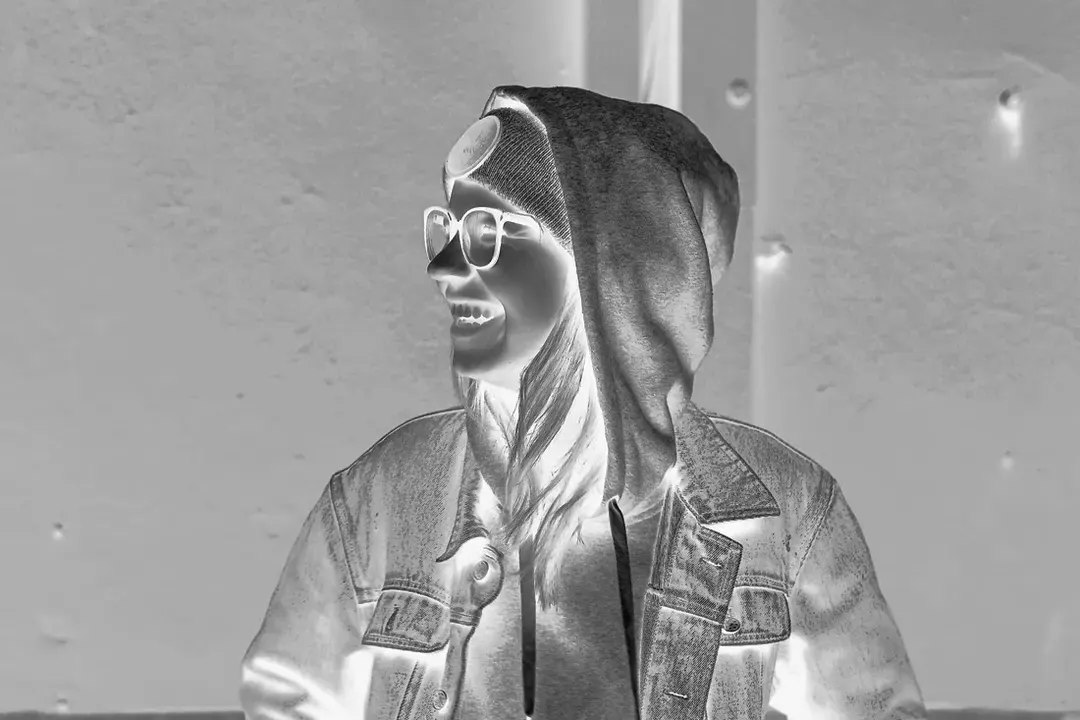
Want one shirt inverted, or just the sky? Switch to Select Area, drag a box or brush over the part you want, and only that spot flips. It is an easy way to make a single object glow against a normal background, or to fix one dark section of a screenshot without touching the rest.
Invert One Area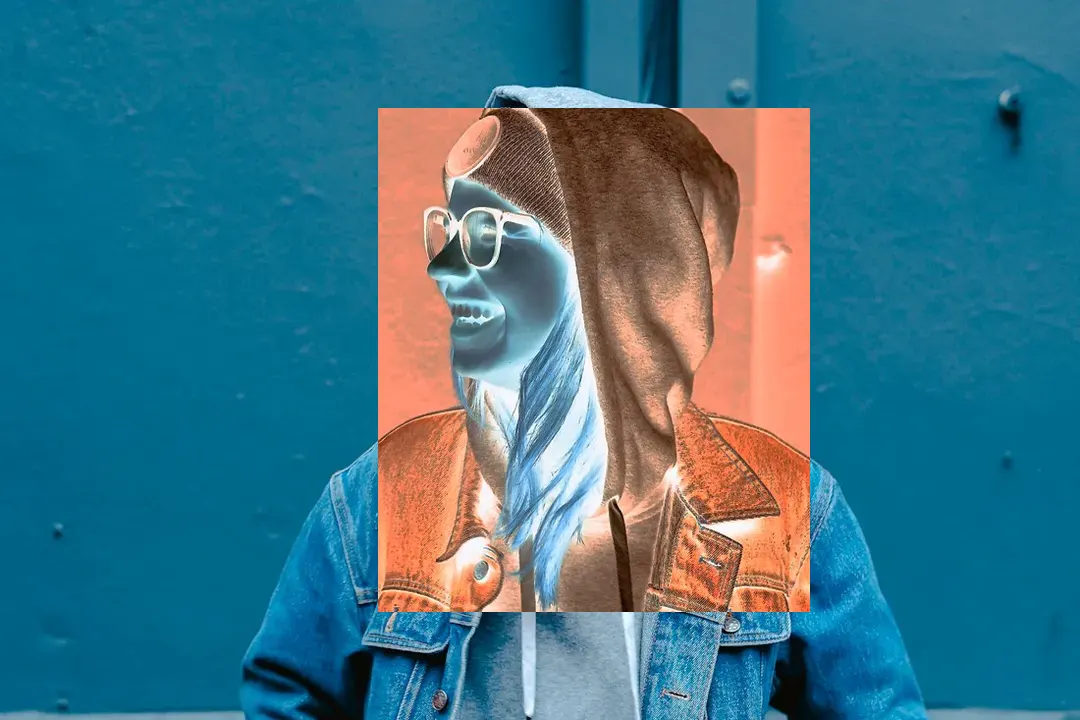
An image color inverter usually flips all three color channels together. Single Channel mode lets you flip only red, only green, or only blue. The result is not a negative. It is a whole new color scheme, like a purple forest or a green sunset, and it often looks like an album cover.
Try Single Channel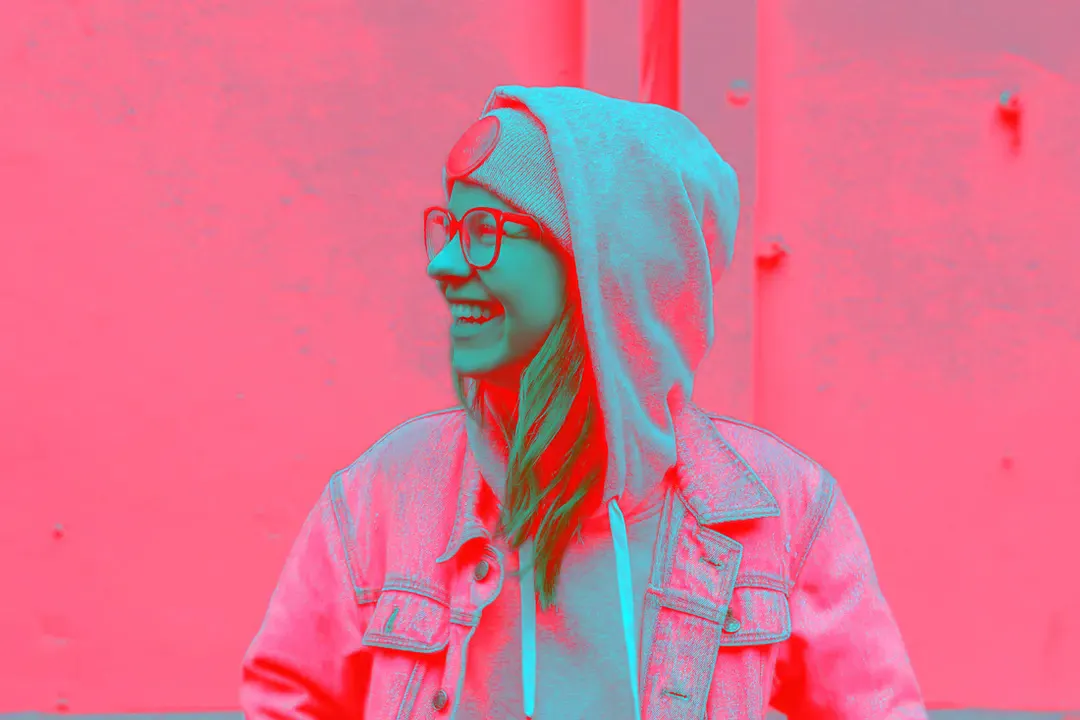
Inverting a PNG logo or icon should not fill the empty space with color. With Keep transparency on, only the visible pixels change, and the transparent parts stay clear when you download as PNG.
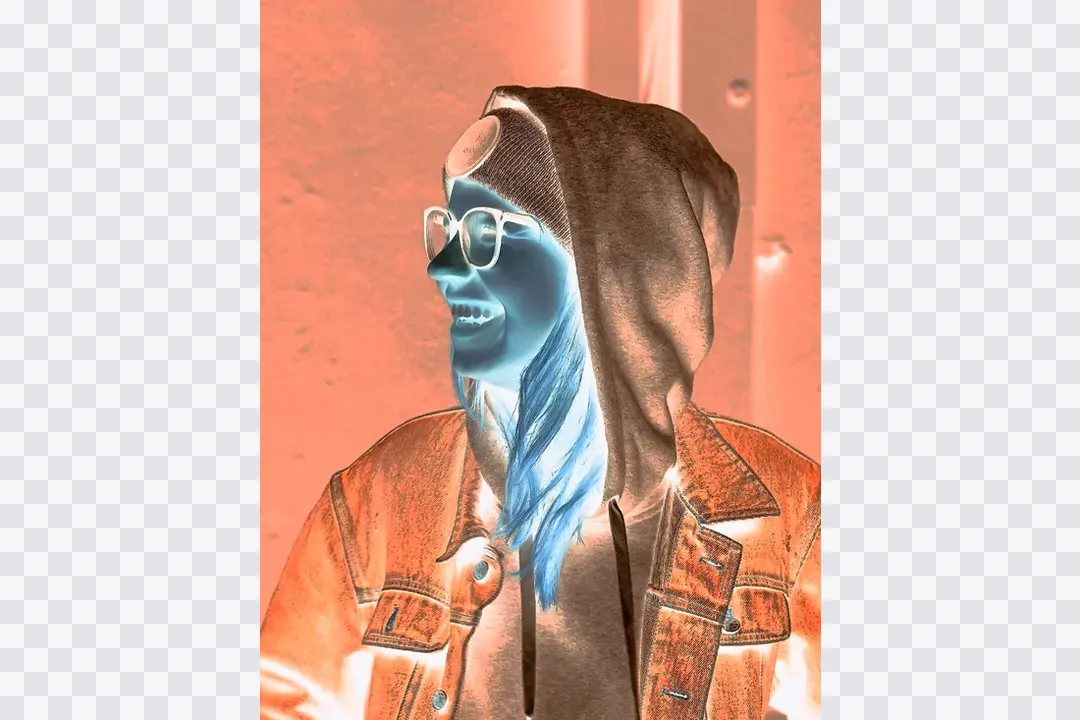
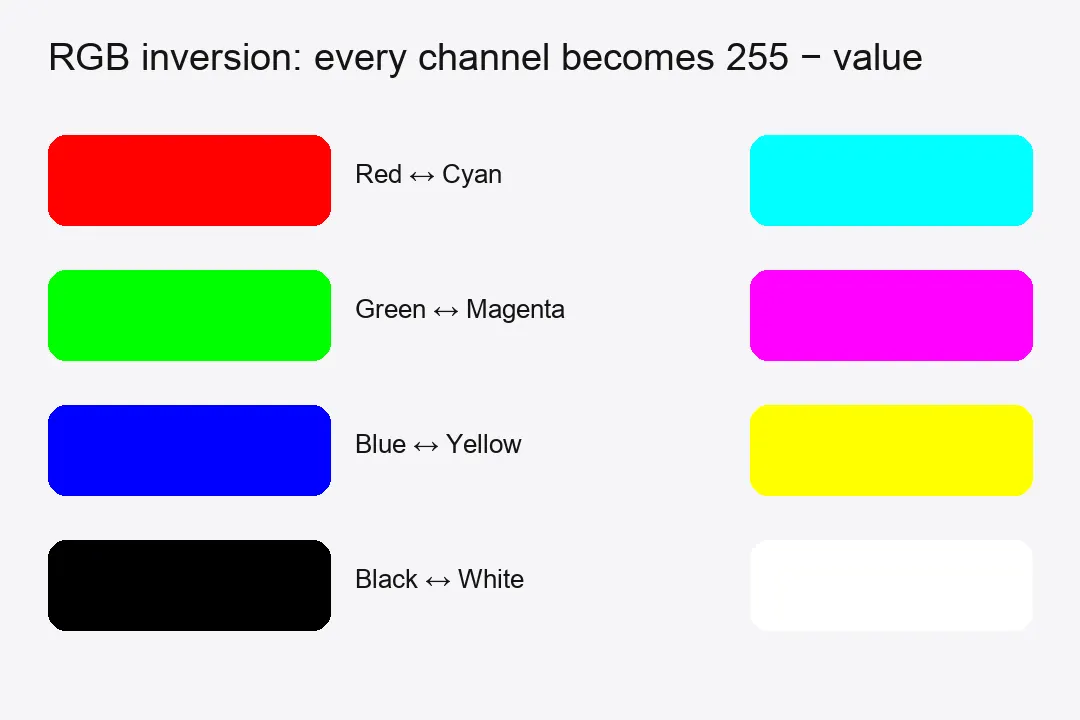
Color inversion replaces every color in an image with its exact opposite. On a screen, each pixel is made of red, green, and blue values from 0 to 255. Inverting subtracts each value from 255, so black (0, 0, 0) becomes white (255, 255, 255), red becomes cyan, green becomes magenta, and blue becomes yellow. Light areas turn dark, dark areas turn light, and the result looks like a photo negative. Inverting the same image twice brings back the original.
A bright white screenshot in a dark presentation hurts the eyes. Invert it and it fits right in with the rest of the slides.
You have a black logo but the new banner is dark navy. Invert it and you have a white version in seconds.
Inverted faces get glowing skin and dark, empty eyes. It is an easy, slightly creepy Halloween profile picture.
Inverted colors and single channel flips turn ordinary photos into surreal, neon scenes that grab attention.
Found a strip of old negatives in a drawer? Scan or photograph them on a light source, invert, and see who is in the picture.
Invert as many pictures as you like, free.
Open the page and start inverting. Nothing to sign up for.
Your inverted photo downloads clean, with no logo on top.
Every color flip happens on your own device. Nothing gets uploaded.
Full, black and white, single channel, one area, or negative scan.
At 100% Full Invert, Invert again returns the working source colors. Use Start over to restore the original file in any mode.
The best free tool is one that inverts in your browser without an upload, has no watermark, and keeps transparent backgrounds clear. This page does all three, and it also lets you invert just one area or one color channel.
The standard photo editor may not offer a color-invert filter. The Smart Invert setting only changes how your screen looks and does not change the image file. To get an inverted copy you can save, use a current browser, upload the photo, and download the result. Clipboard copying depends on browser support and permission.
Open the image and press Ctrl+I on Windows or Cmd+I on Mac, or go to Image, then Adjustments, then Invert. This tool does the same thing without installing anything.
A black and white negative is a true inversion. A color film negative also has an orange tint from the film base, so a plain invert of a color negative comes out blue. Negative Scan compensates the tint using a sampled or manually selected unexposed film-base color. Results depend on the film and scan lighting.
Inversion turns skin tones blue-green and makes the darkest parts, like pupils and nostrils, glow white. Our brains are very good at reading faces, so this flipped light and shadow looks wrong in a way it does not on a landscape.
Yes, for Full Invert at 100%. Other modes, partial strength, and film-base correction are not mathematically reversible. Save as PNG to keep it exact, because JPEG compression changes colors slightly.
You can upload JPG, PNG, and WebP, and download as JPG, PNG, or WebP.
Use the low quality image maker instead. It adds blur, pixels, and JPEG damage for a worn-out, reposted look.
Grab a photo, flip every color, and see a different view. No account, no watermark, no upload.
Invert an Image
Combine small dimensions, JPEG compression, and noise in one edit.
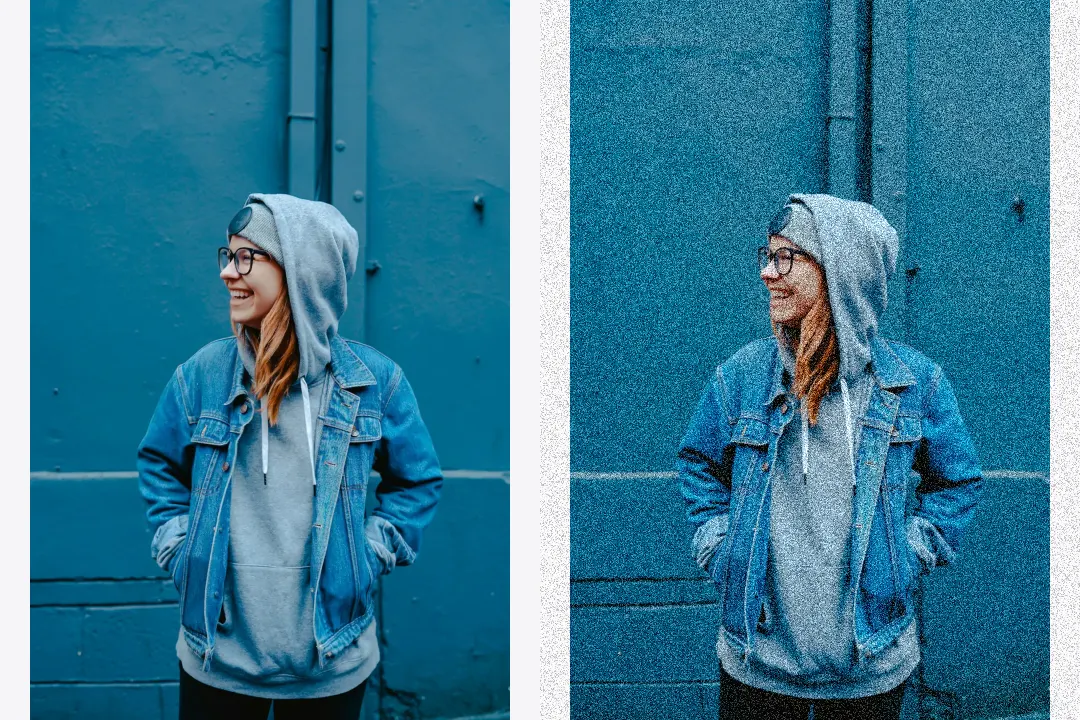
Control noise strength, grain size, and noise type.
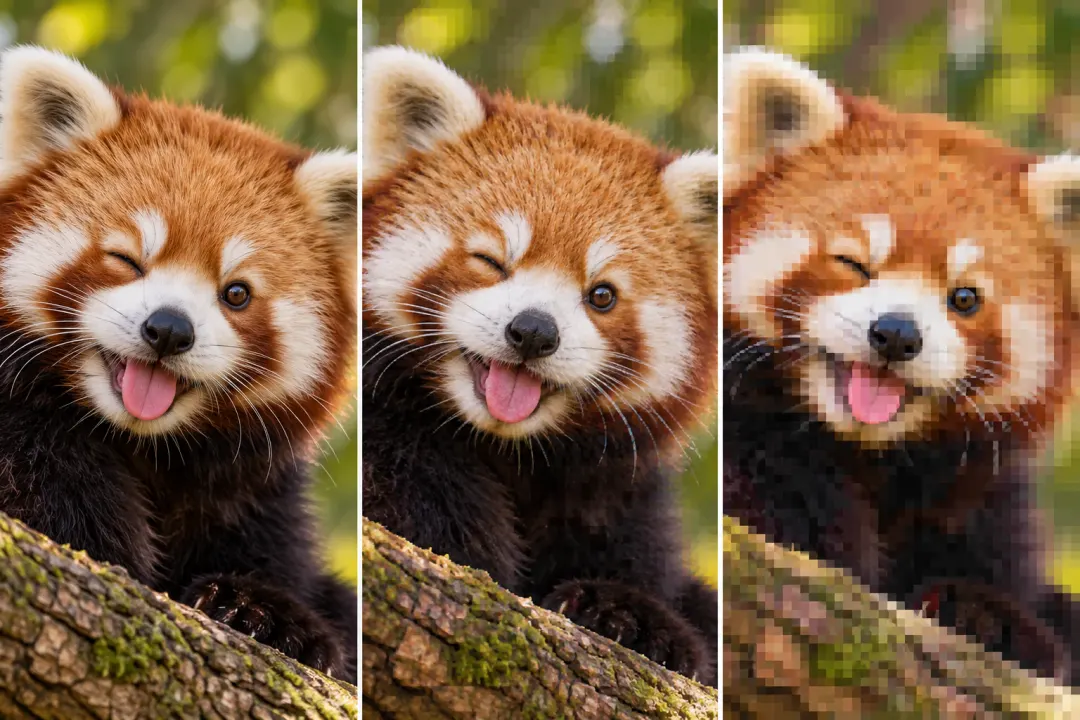
Add compression blocks, repeated saves, and color bleed.