
Start with a clear subject
Faces, pets, and recognizable objects remain readable after strong color and compression effects. Very dark photos may lose important detail at high intensity.
Turn Up the Crunch.
Too much contrast? Exactly the point. Make a deep fried meme with bold colors, sharp edges, and real compression artifacts.
Or click to browse · Ctrl/Cmd + V to paste
JPG, PNG, WEBP · Up to 10 MB · Paste with Ctrl+V / ⌘VYour photos stay on your device. Always.
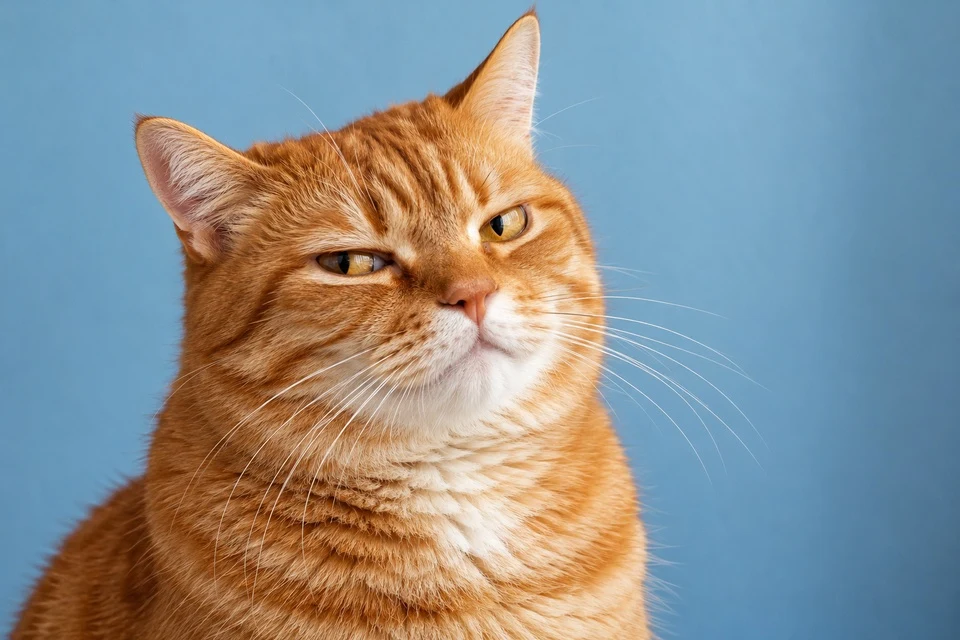 OriginalDeep fried
Lower JPEG quality adds stronger compression blocks. Extra passes re-encode the previous JPEG with a small brightness shift to build up artifacts. PNG and WEBP keep the baked-in JPEG effect and preserve transparent areas.
A deep fried image deliberately exaggerates the parts of a photo that normal editing tries to keep subtle. Bright colors become loud, edge detail turns harsh, and JPEG compression adds blocks and ringing. The result fits reaction pictures, absurd portraits, and heavily edited memes.
This deep fry image tool applies contrast and a warm color shift, boosts saturation, and sharpens visible edges before actually encoding the result as JPEG. You can adjust each part separately. Lower the JPEG quality for a rougher result, or choose Light fry for an easier starting point.
Faces, pets, and recognizable objects remain readable after strong color and compression effects. Very dark photos may lose important detail at high intensity.
Intensity changes contrast and warmth. Saturation and sharpening have their own controls, while JPEG quality determines how much compression damage is baked in.
PNG does not add JPEG artifacts on its own. Here the JPEG pass happens first, so a PNG download keeps the processed appearance, including the compression blocks.
Choose a JPG, PNG, or WEBP, or use the sample portrait.
Start with a preset, then adjust intensity, color, sharpening, and JPEG quality.
Compare before and after, inspect the final pixels, and download the result.
Upload a picture, choose Deep fried or Extra crispy, and adjust the sliders. Increase saturation and sharpening for harsher edges, and reduce JPEG quality for more visible compression artifacts.
No. This tool combines contrast, a warm color shift, saturation, sharpening, and an actual JPEG compression pass. Each component changes a different part of the image.
Low-quality JPEG encoding discards more visual information. This creates blocks and ringing, especially around high-contrast edges and gradients.
Yes. The JPEG effect is applied before the final export, so PNG preserves the processed appearance. PNG and WEBP also retain transparent areas; JPG uses a white background.
No. Processing happens locally in your browser. No account is required, and the tool does not send your photo to a server.
For a simpler mix of pixelation, blur, noise, and compression, use the low quality image maker.
Free to use. No account. All processing stays in your browser.
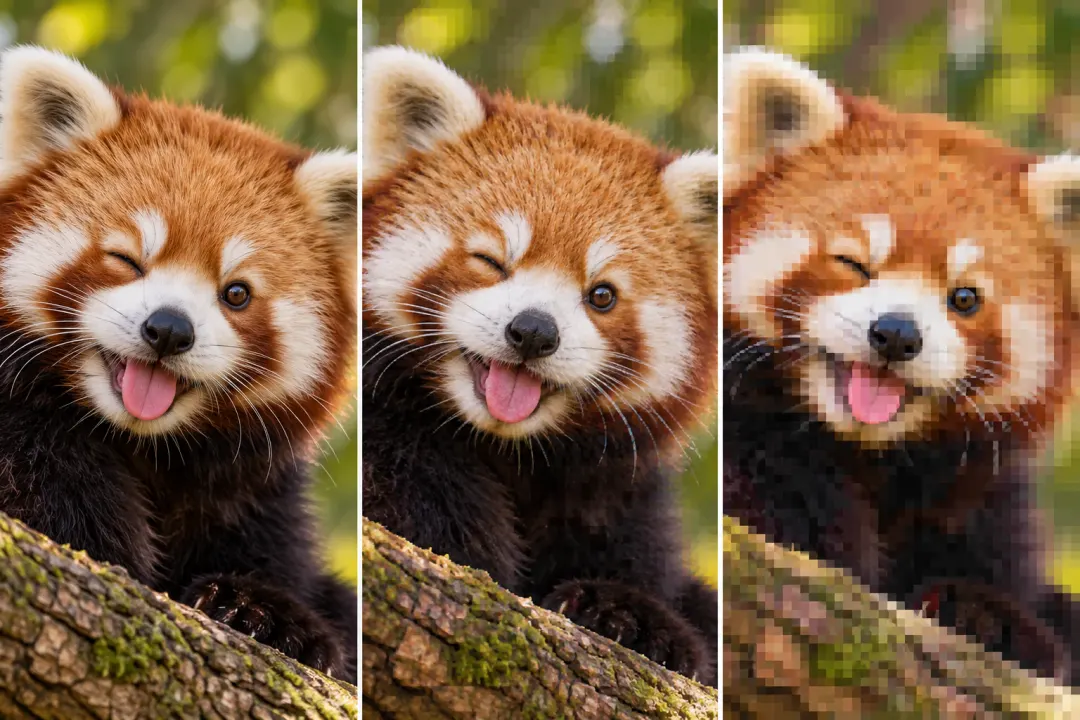
Add compression blocks, repeated saves, and color bleed.

Add captions and make a meme look repeatedly shared.

Combine small dimensions, JPEG compression, and noise in one edit.