
Low Quality Image Maker
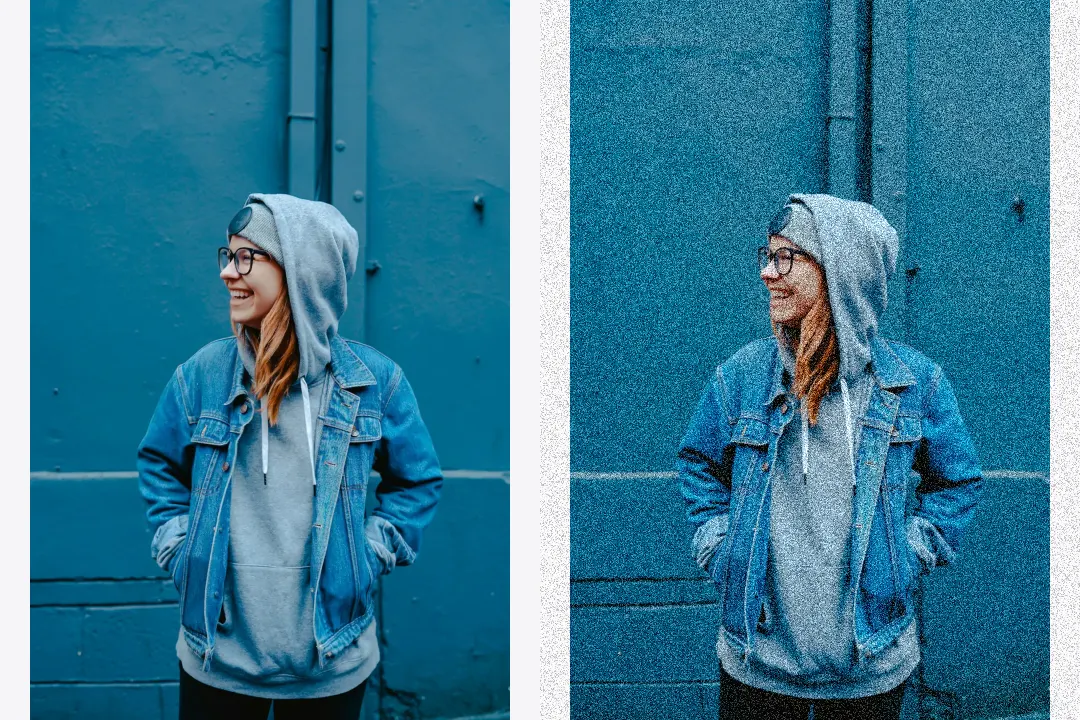
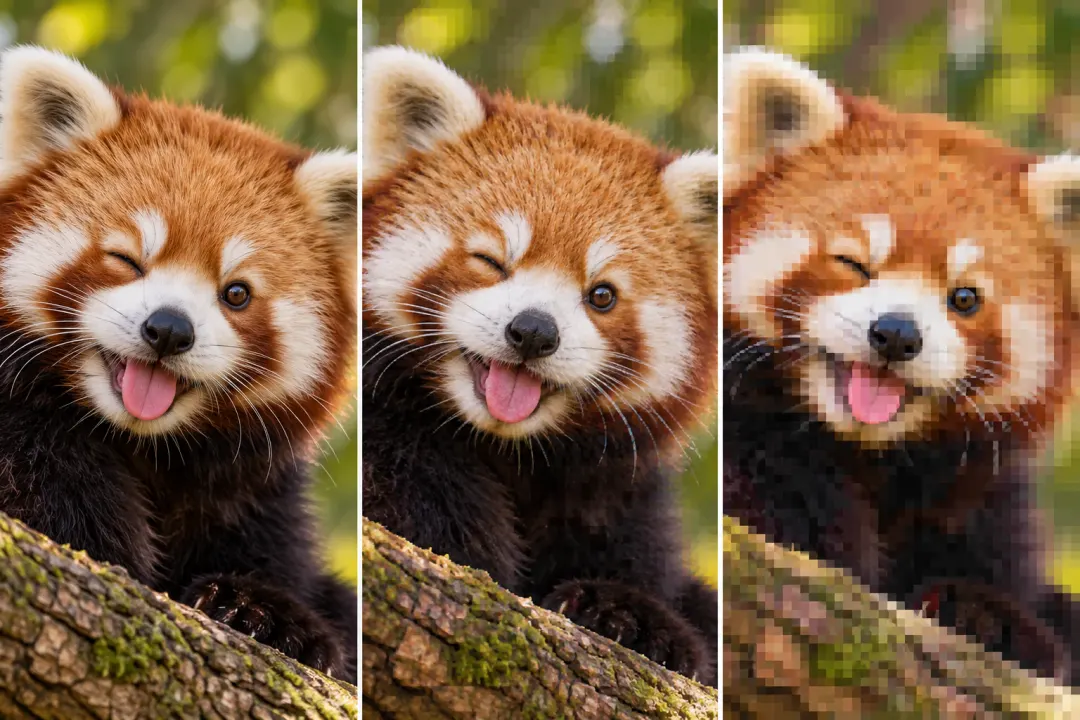
Combine small dimensions, JPEG compression, and noise in one edit.
Make your photo fit a file size limit. Set a target in KB, check the result, and download it here.
 Sample photo
Drop an image, choose a file, or paste with Ctrl/Cmd + V. JPG, PNG, WebP · up to 20 MB. HEIC: convert to JPG first.
Processed in your browser — your image never leaves your device.
The tool searches for a high-quality encoding that stays at or below your target. If quality changes are not enough and resizing is enabled, it reduces dimensions too. It does not pad files to an exact size.
Need visible compression damage instead? Try the JPEG Artifact Generator. To combine blur, noise, and low resolution, use the Low Quality Image Maker.
Yes, enter that limit. Very small files may require smaller dimensions and visible quality loss. The result reports whether it meets your target.
No. The target is a maximum, not an exact byte count. A successful result is at or below it.
Uncheck Allow smaller dimensions. The initial working copy is still limited to 4,000 pixels per side and 12 MP. If the target cannot be reached, the tool shows the smallest result it found and clearly marks it over the limit.
Choose WebP to retain transparency. JPG replaces transparent areas with white. PNG is accepted as input, but this tool exports JPG or WebP for adjustable compression.
No. Encoding and preview run locally in your browser. No account is required.